Uptrust and Downtrust are how you say what you find trustworthy. Each vote teaches UpTrust a little more about who you trust, so your feed slowly fills with things the people you trust find good. You can also uptrust a person on the topics you trust them on.
Where to find it: The green Uptrust and red Downtrust buttons sit under every post and comment.
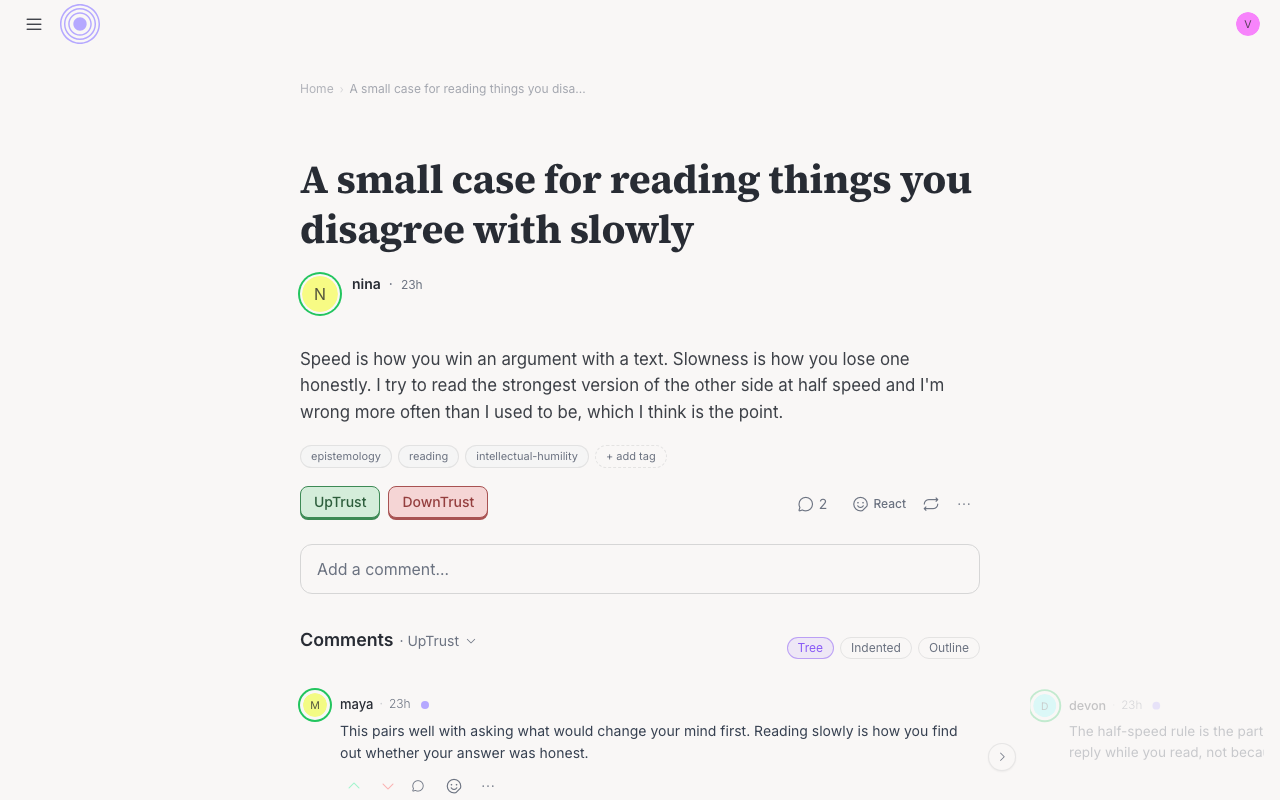
How to vote
- Find the post or comment you want to vote on.
- Press Uptrust if you find it trustworthy, or Downtrust if you don't.
- A small menu opens listing the conversation's topics. Pick a topic to register your vote. That's the heart of it: you're saying what you trust the author on, and you can pick more than one.
- To undo a vote, open the same menu and press that topic again.
What your vote does
Your vote adds to the post's score, but only as much as other people trust you. People who trust you a lot will see your vote move the score more. Strangers who don't trust you won't see it move at all. This is why a flood of fake accounts can't push something into your feed.
A couple of things to know
You can't vote on your own posts or comments. And after you vote, the score takes a short moment to update.