Your inbox lists everything that happened while you were away: replies, mentions, invites, reactions, bridge requests, new subscribers and more. The newest is at the top.
Where to find it: Click Inbox in the left sidebar, or tap it in the bottom bar on a phone. You can also go straight to your inbox. It shows a small count when you have unread items.
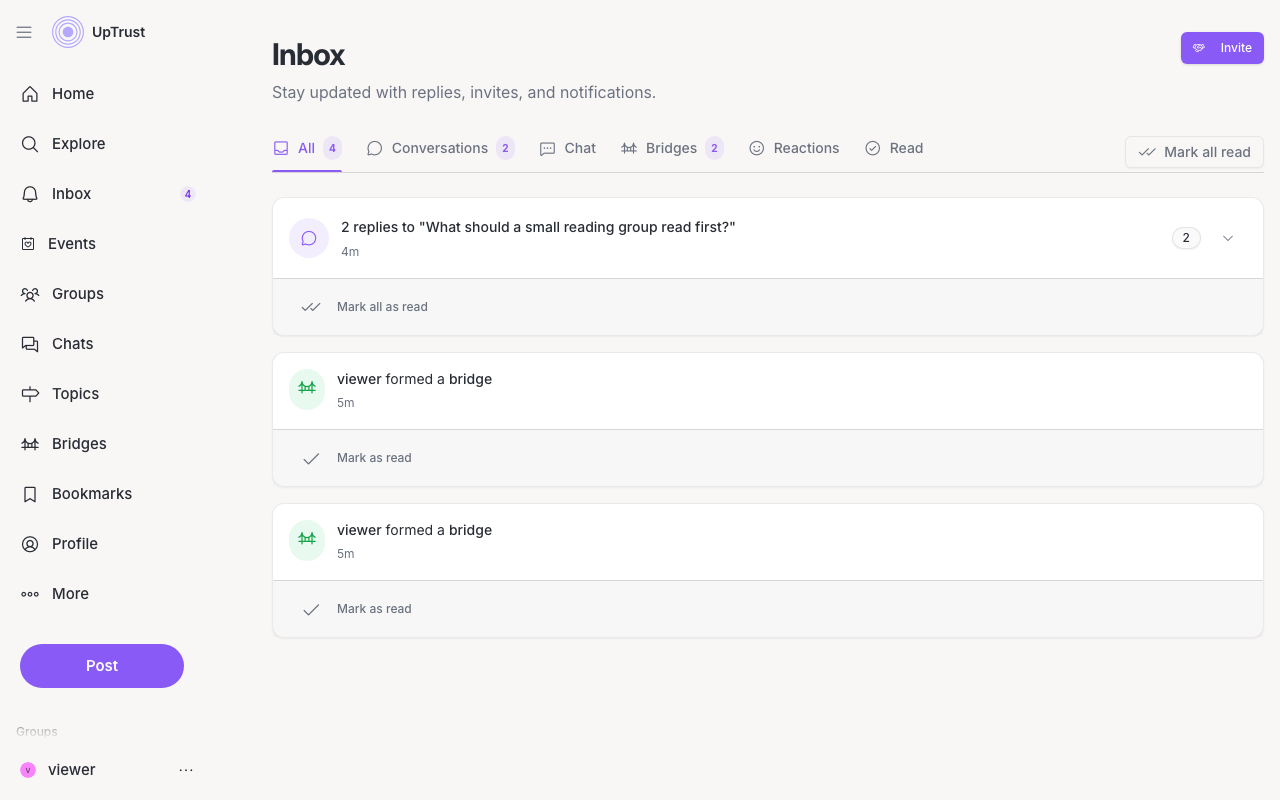
Tabs
All shows every unread notification, including messages, invites, requests and reminders. Mentions holds replies to you and posts or comments that mention you. Activity holds trust and reactions on your stuff: uptrusts, votes, reactions, bridges and RSVPs. Each tab shows how many unread items it holds. Read, at the right of the tabs, keeps the ones you have already seen.
Clearing it
Click a notification to open what it points at. That marks it read. Mark all read clears every unread notification at once, after you confirm. When nothing is left you will see You're all caught up!
Some notifications let you act right there. You can accept a group invite or answer a bridge request without leaving the inbox.
Want fewer alerts?