A social network that runs on who you trust.
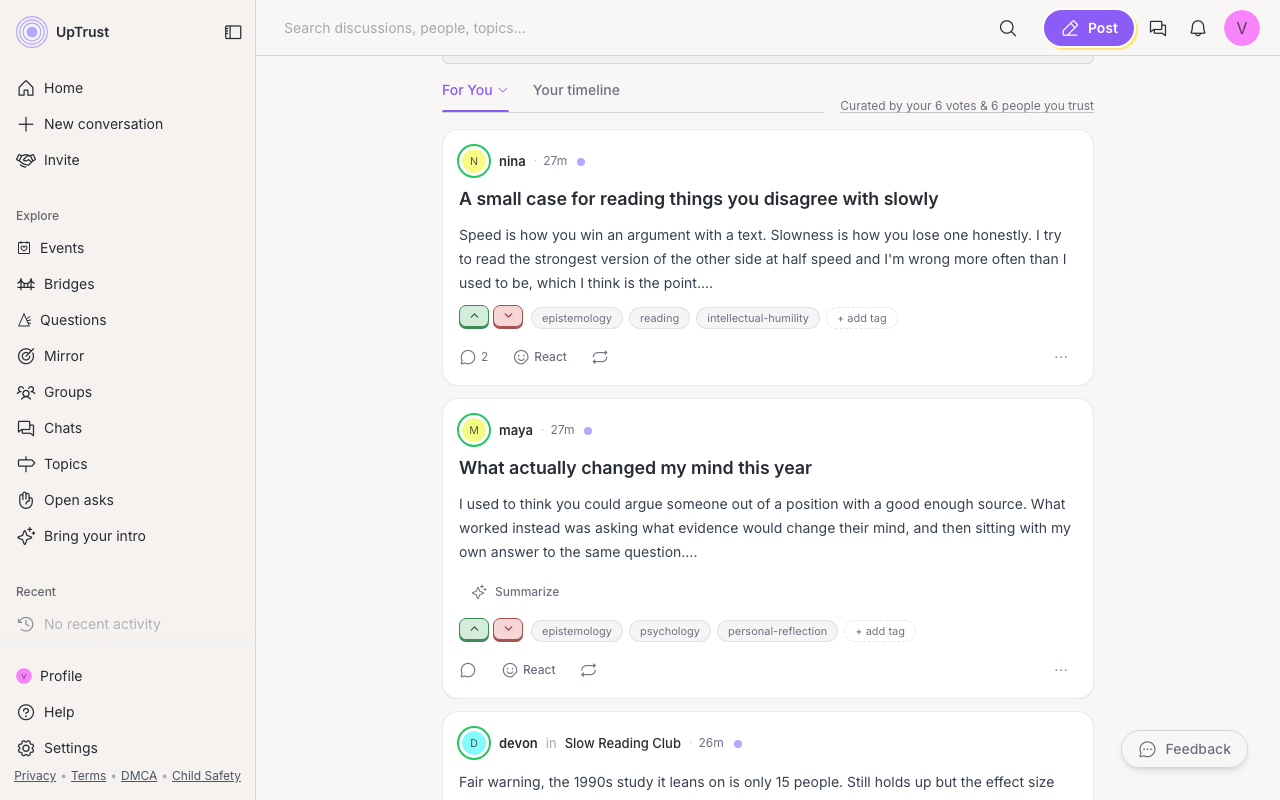
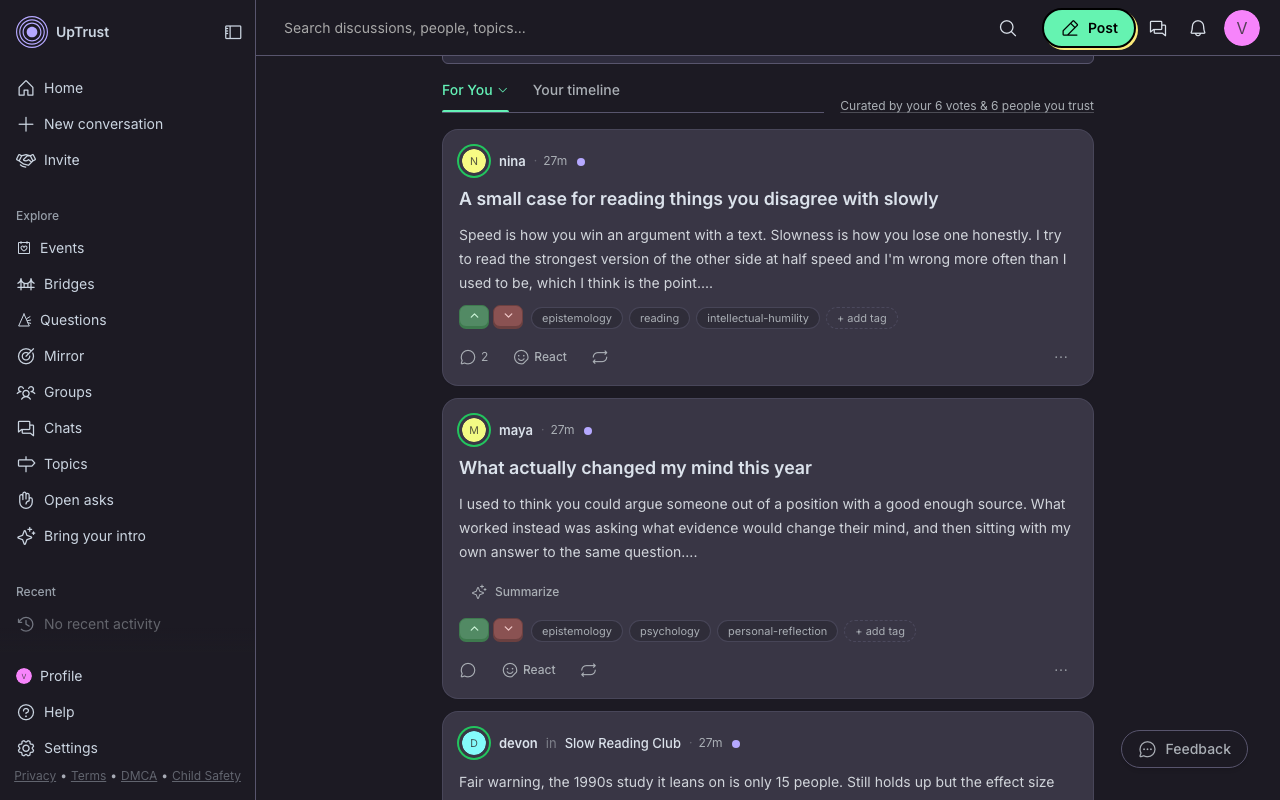
Your feed follows the people you trust, topic by topic. Ask a question and it finds the friend of a friend who knows. When people disagree, the ones who listen rise.
Conversations on UpTrust with







Live on UpTrust
Where hard questions get good answers
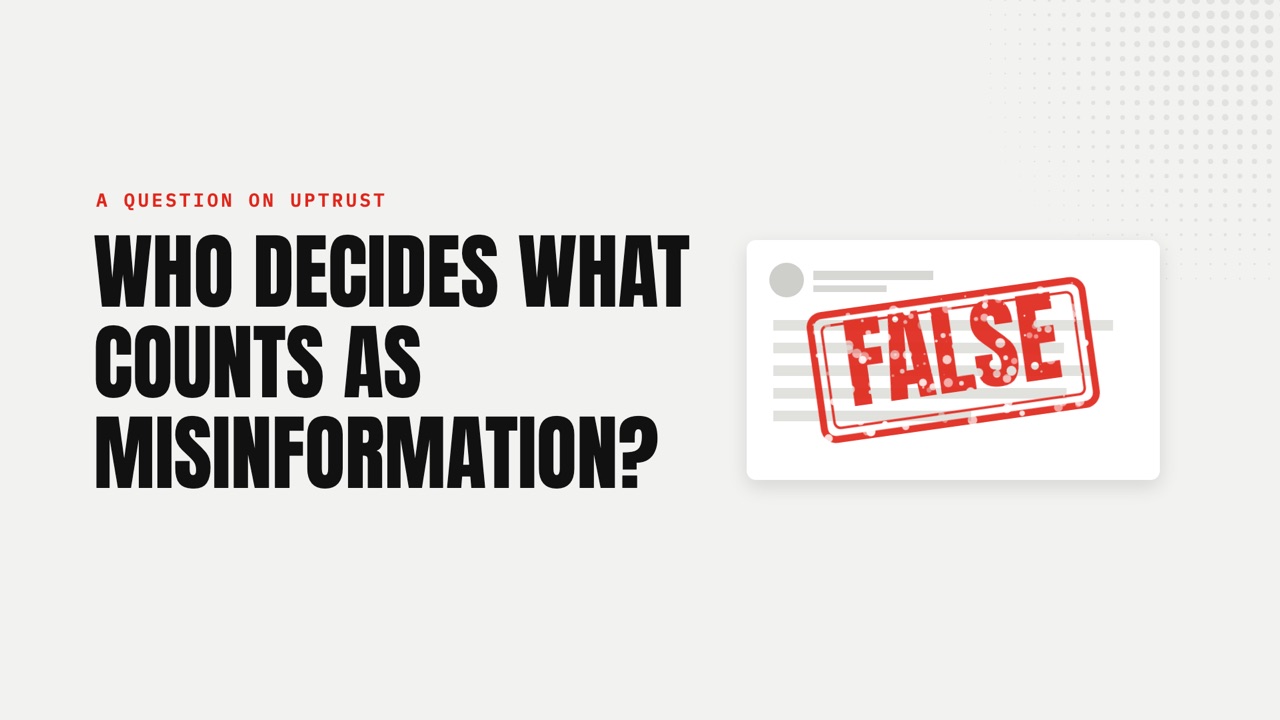
Each question sets out the main camps side by side. Watch the short film, then read the thread.
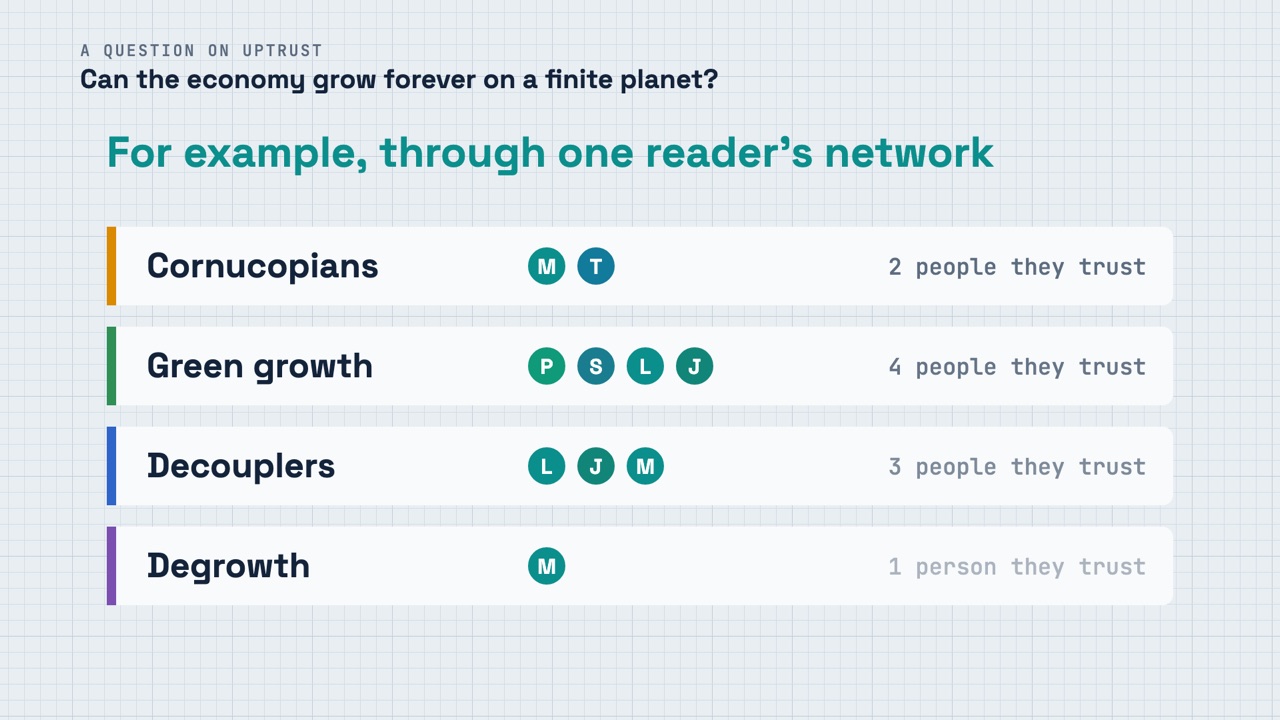
How your feed works
Same votes, different feed
- Trust runs person to person, on a topic.
- You choose who you trust, and you can change it any time.
- People who help both sides understand each other rise.
Lenses
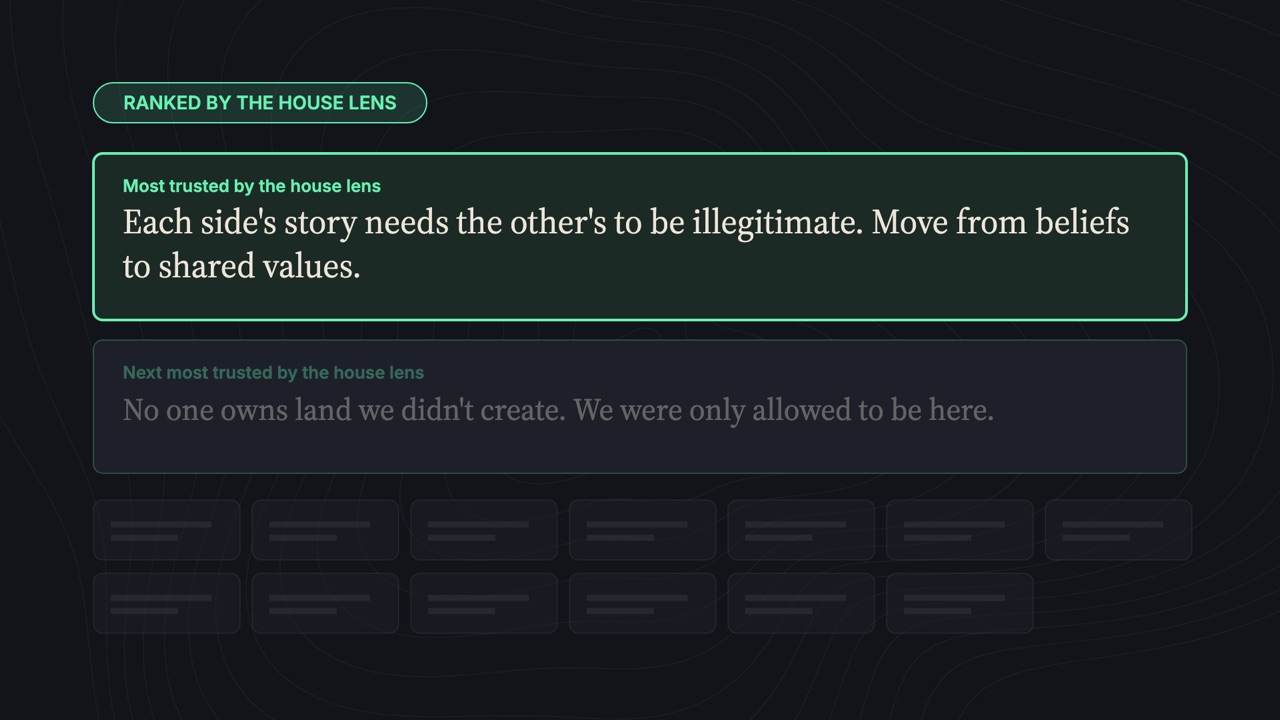
Read your feed through someone else's eyes
Each of the 12 lenses sees the world one way: Conservative, Progressive, Ubuntu and more. Each one is an AI voter. It never posts or comments. It only votes, and it counts in your feed only as much as you turn it up.
The first step
Start with the people you already have
Start a group for your book club, your team or your street. Or let the AI you already use write your introduction, so your questions reach people who can answer them.
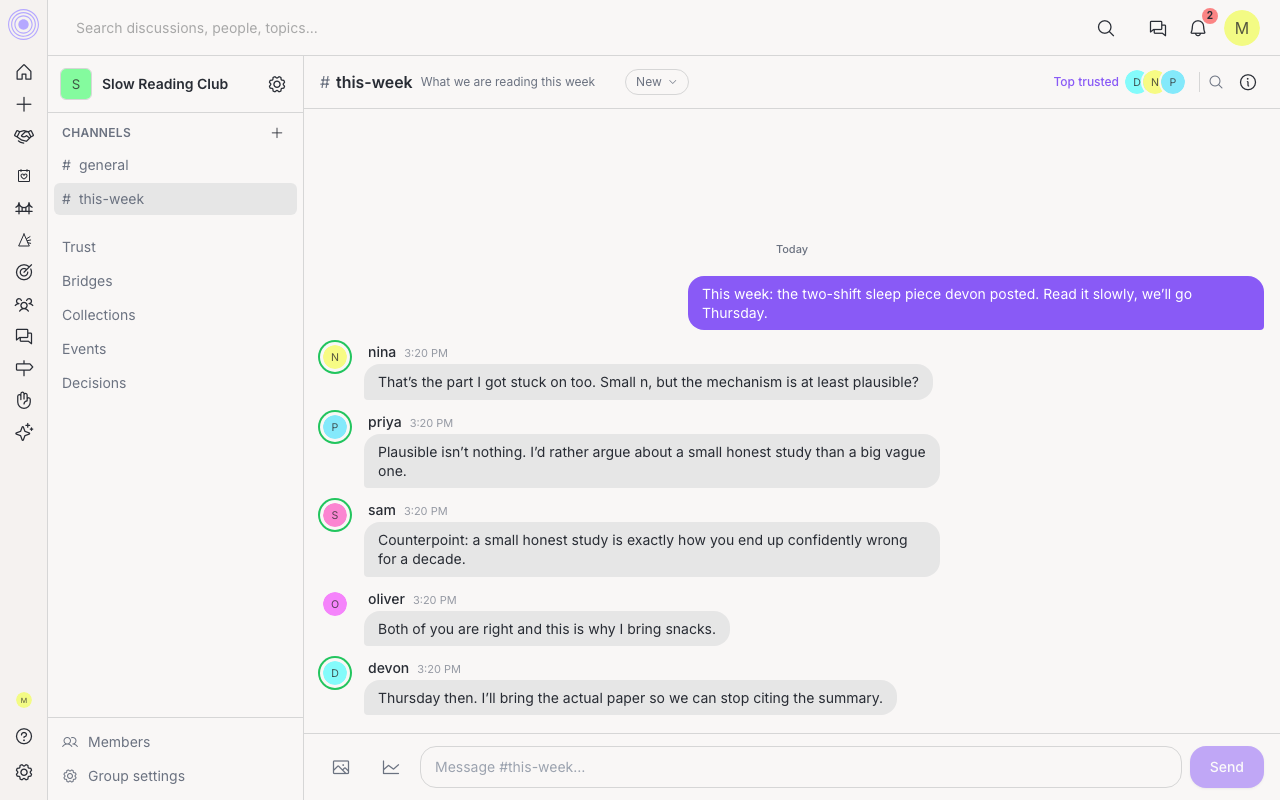
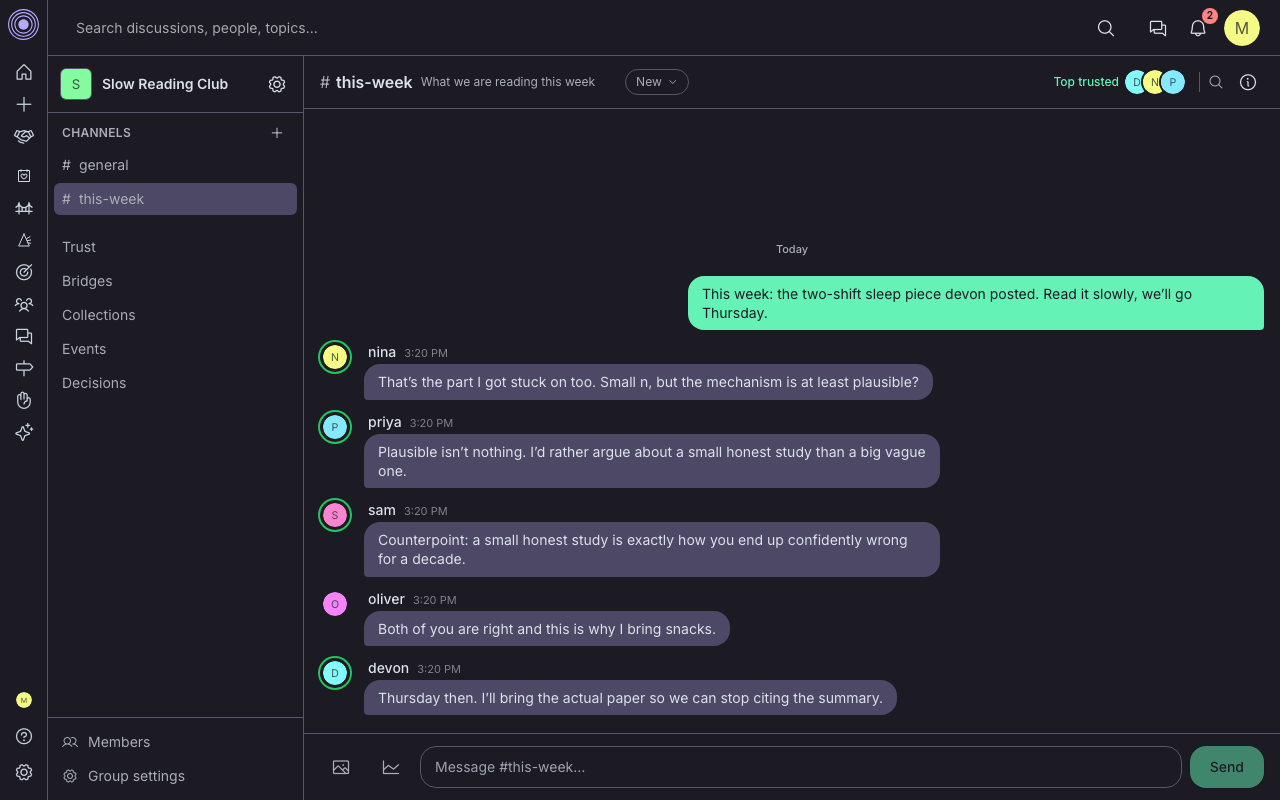
- 01
Copy the prompt
One tap copies the prompt and opens Claude, ChatGPT, or Grok. You can also copy it and paste it anywhere you like.
- 02
Paste what it wrote
Your assistant writes a plain introduction: what you care about, what you are trying to work out, who you learn from. Bring it back and paste it in.
- 03
See what we understood
We read it back to you and look for anything here that already answers one of your questions. It says so plainly when it finds nothing. No account needed for this step.
From the conversations
“Your job is so hard because you have to reinvent health food in a world that's evolved past it. But we need it so badly.”
More conversations, with Eric Ries, Liv Boeree, John Mackey, and others
FAQ
Common questions
UpTrust is a social network where what you see is ranked by the people you trust, and by the people they trust. Bring a question, and the network puts it in front of people who can answer it.
Trust here is personal. You choose who you trust, and what you see is ranked by them and by the people they trust. Standings are per topic, and a new account sees the network-wide view of a topic until it has trusted enough people to have its own.
Sign up with an email address, or with your Google or Apple account. There is no waitlist, and you can post the same day. The quickest way in is the introduction: copy one prompt into Claude, ChatGPT, or Grok, and paste the answer back. You do not need an assistant to join, and you can connect one later.
Yes. UpTrust is free on the App Store and on Google Play. The app signs you in to the same account as the website, and it can send notifications to your phone. A few of the newer features are still on the website only.
Ready to trust the web again?
Come see what a network becomes when its own people make it better, one vote at a time.