For anyone who talks to an AI
Introduce yourself with the AI you already talk to.
You already tell an assistant what you care about and what you are stuck on. It gives you an answer, and then the conversation ends. UpTrust picks it up from there and points you at the people who can help. Starting takes about a minute.
One minute, three steps
Copy a prompt. Paste the answer. You are in.
Nobody wants to fill in another profile. Your assistant writes it from what you have already told it, and you read it over before anything else happens.
Copy the prompt
One tap copies the prompt and opens Claude, ChatGPT, or Grok. You can also copy it and paste it anywhere you like.
Paste what it wrote
Your assistant writes a plain introduction: what you care about, what you are trying to work out, who you learn from. Bring it back and paste it in.
See what we understood
We read it back to you and look for anything here that already answers one of your questions. It says so plainly when it finds nothing. No account needed for this step.
Nothing is published while you are reading. The preview is built and thrown away, with no copy kept on our servers, and the draft stays in your browser. Once you have an account and bring the introduction in, up to five of your questions post as asks. One goes into the feed, where people will see it. The rest sit on your profile and turn up if someone searches for them. You can take any of them down with one tap.
Connect an assistant
Ask Claude who you should talk to
You can plug UpTrust into Claude, ChatGPT, or Grok. After that, ask your assistant who you should talk to about something and it answers from your own trust network instead of a search engine. It can also check whether your network trusts someone here, and set up an event and invite people for you. We have only confirmed that last part in Claude.
Setup is one address pasted into your assistant's connector settings. There are no keys or codes to keep. All three charge for custom connectors, which is their rule rather than ours. ChatGPT asks for a bit more: developer mode, which lives on the ChatGPT website and not in its phone app, and its authentication set to OAuth.
Once you are here
Bring your people with you
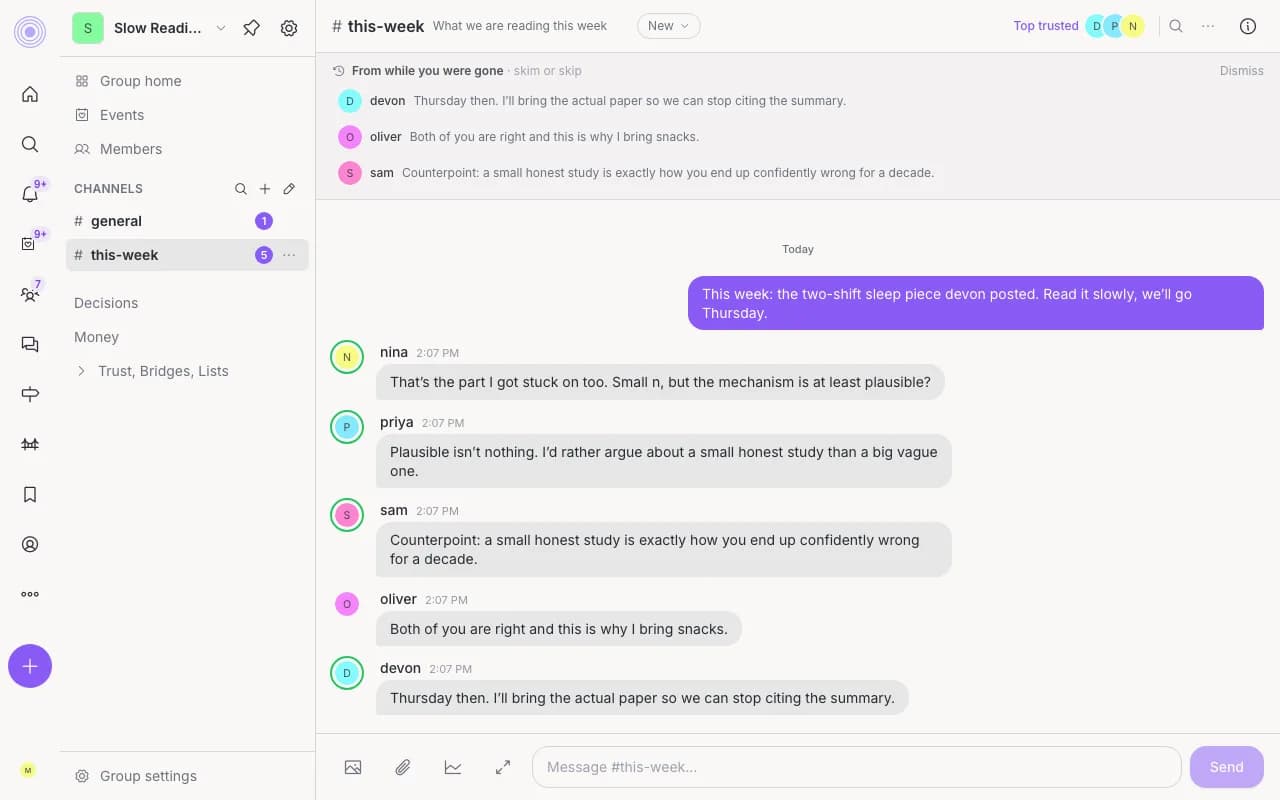
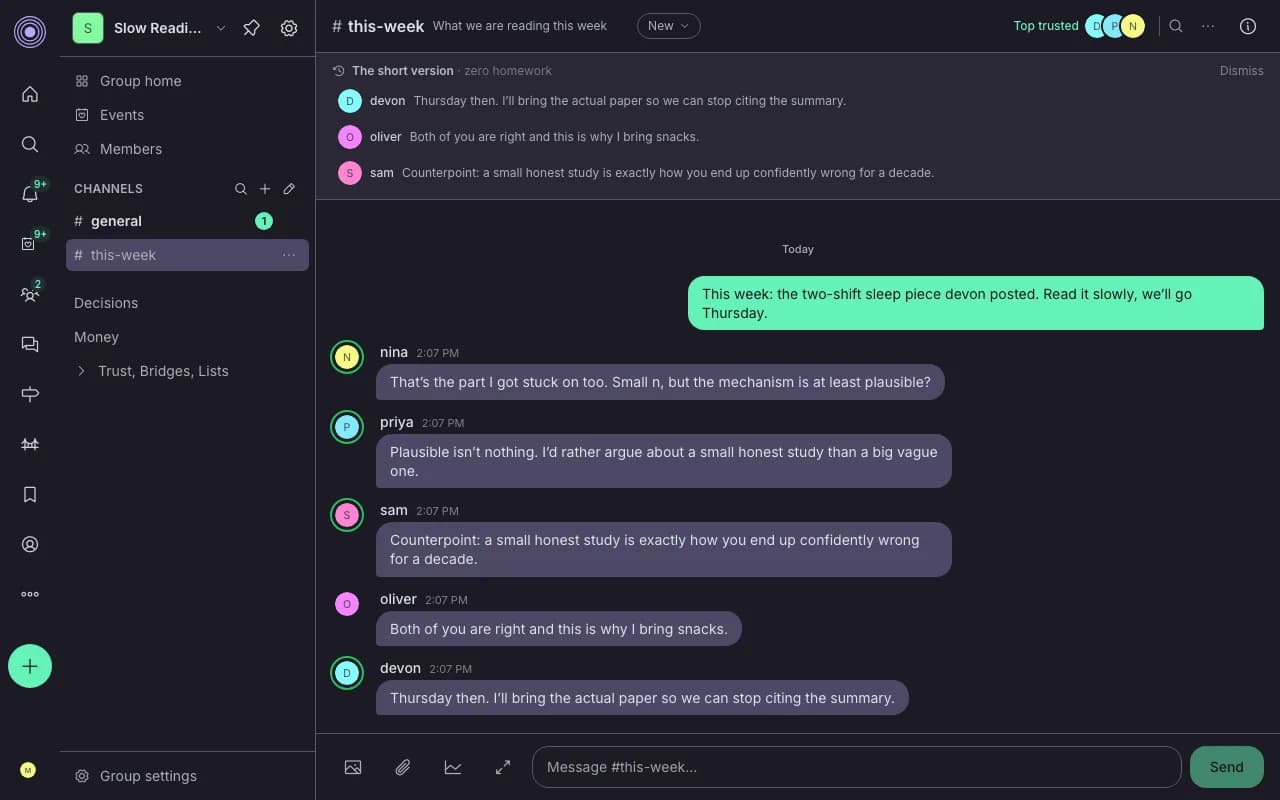
Groups and channels
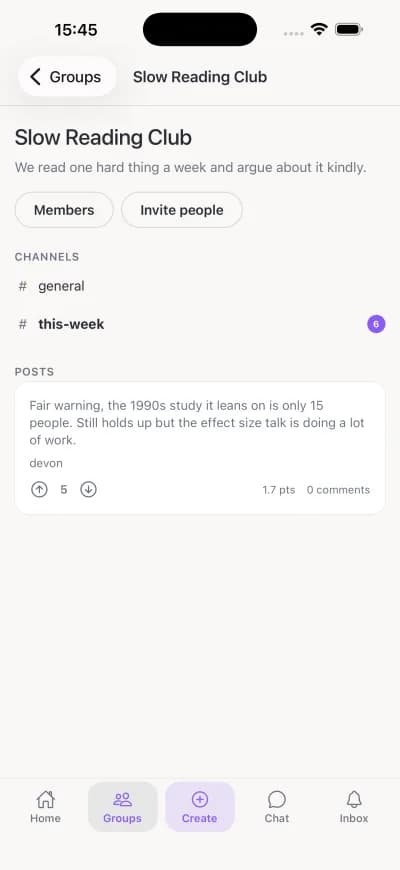
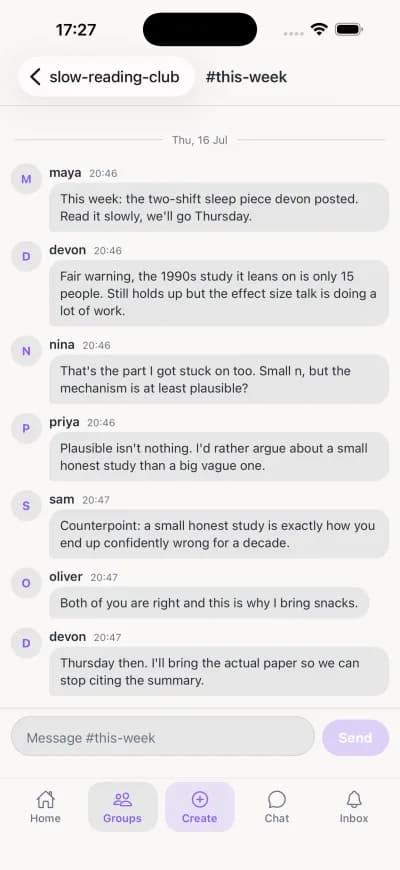
Make a space for your book club, your team, or your neighbors. Channels keep the topics apart so one thread does not swallow the room.
@claude in a channel
Type @claude in a group channel and it answers in the thread, drawing on what that group trusts. A group admin turns it on in the group settings.
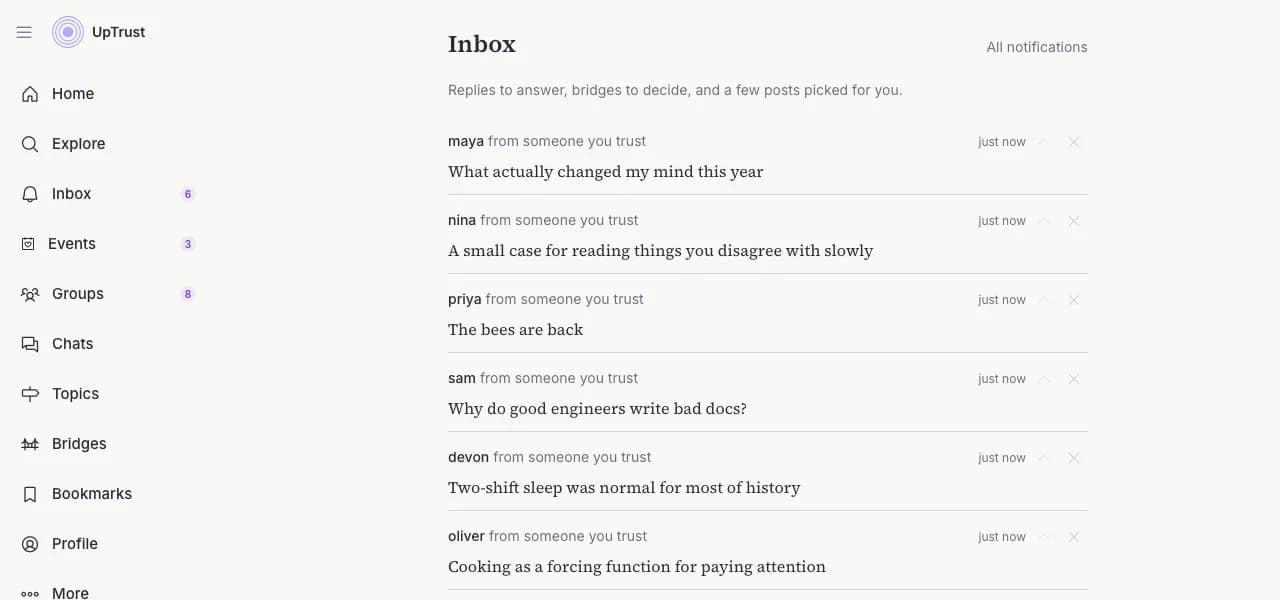
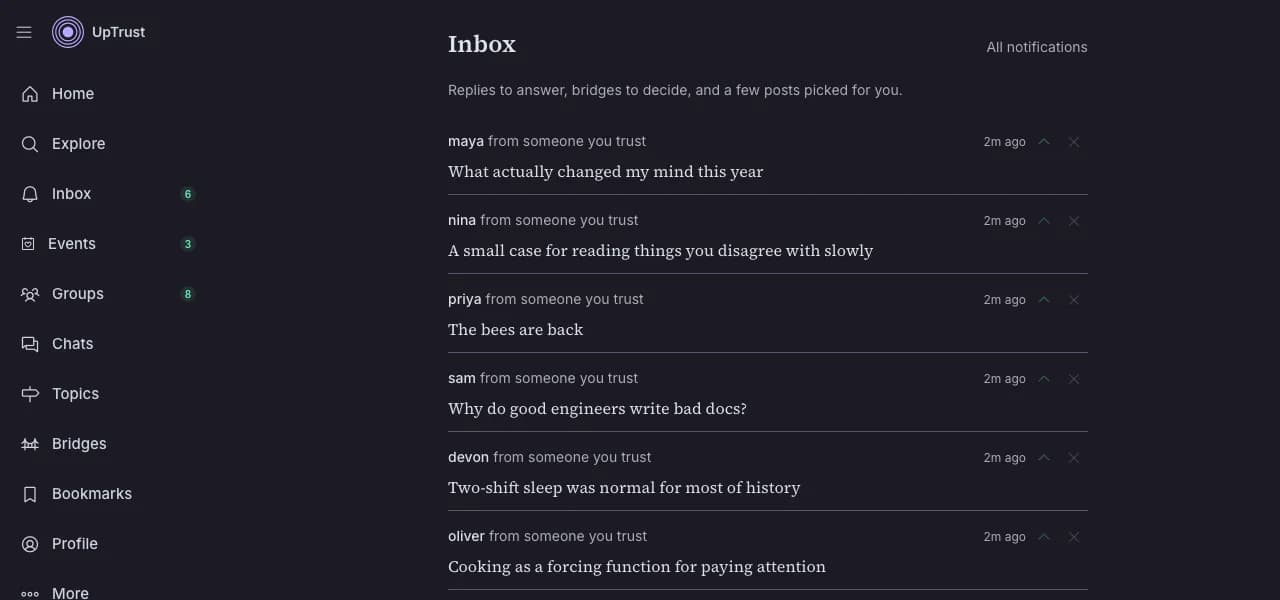
One inbox
Replies waiting on you come first. Under them sit questions asked near your topics, posts from people you trust, and a little of what is rising nearby. It is built to clear in about five minutes.
On your phone
Get the app
Groups, channels, and chat travel with you. The introduction above is a browser flow for now, so start it on a laptop or in your phone's browser.
The tpot archive
See who tpot trusts on what
On X, a community called tpot talks about meditation, writing, AI, and relationships. Hundreds of its members share their X archives in the public Community Archive. UpTrust reads their likes and replies and turns them into a map of who the community trusts, topic by topic.
A tpot leaderboard for every topic
Every topic, from Meditation to AI safety to Parenting, has its own list of the voices tpot members trust most there.
Read through a member's eyes
Pick a member and the same posts reorder around the people they trust. One member's top post can be another's #37.
Compare two members
Put two members side by side and see where their rankings split in a topic they share.
Claim your page
Every member in tpot's snapshot of the archive has a page. If one is yours, sign in with X to claim it and see who trusts you and whom you trust.
The same trust algorithm runs here on UpTrust, on the people you choose to trust. What you see is ranked through them. Until you have trusted a few people, a topic shows you the network-wide view.
Explore tpotOne prompt. One paste. About a minute.
Try it before you decide anything. You can see what UpTrust understood about you without making an account.
Introduce yourself